You haven't signed in yet, you can have a better experience after signing in
*Please complete the payment within {{receiveCouponInfo.expire_at}}Previous use*
You haven't signed in yet, you can have a better experience after signing in



Activity Rules
1、Activity time:{{ info.groupon.start_at }} ~ {{ info.groupon.end_at }}。
1、Activity time:cease when sold out。
2、Validity period of the Group Buying:{{ info.groupon.expire_days * 24 }} hours。
3、Number of Group Buying:{{ info.groupon.need_count }}x。
Please Pay Attention
1、Teamwork process: Join/initiate a Group Buying and make a successful payment - Within the validity period, the number of team members meets the activity requirements - Group Buying succeeded!
2、If the number of participants cannot be met within the valid period, the group will fail, and the paid amount will be refunded in the original way.
3、The number of people required and the time of the event may vary among different products. Please pay attention to the rules of the event.
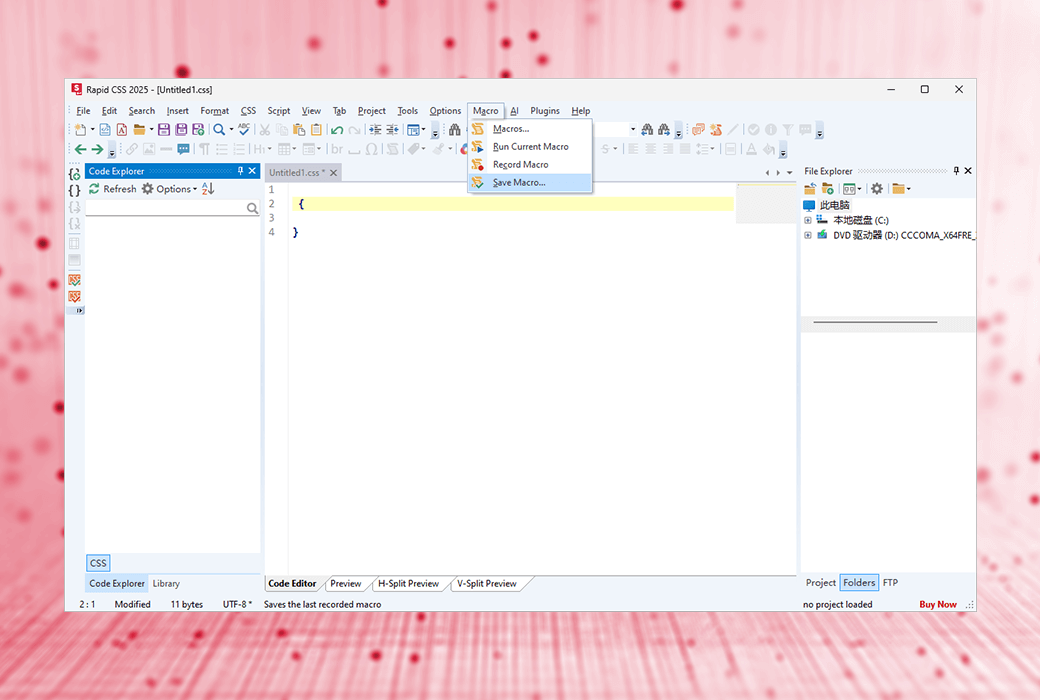
A CSS editor that helps you code faster, a lightweight, AI supported editor for front-end development
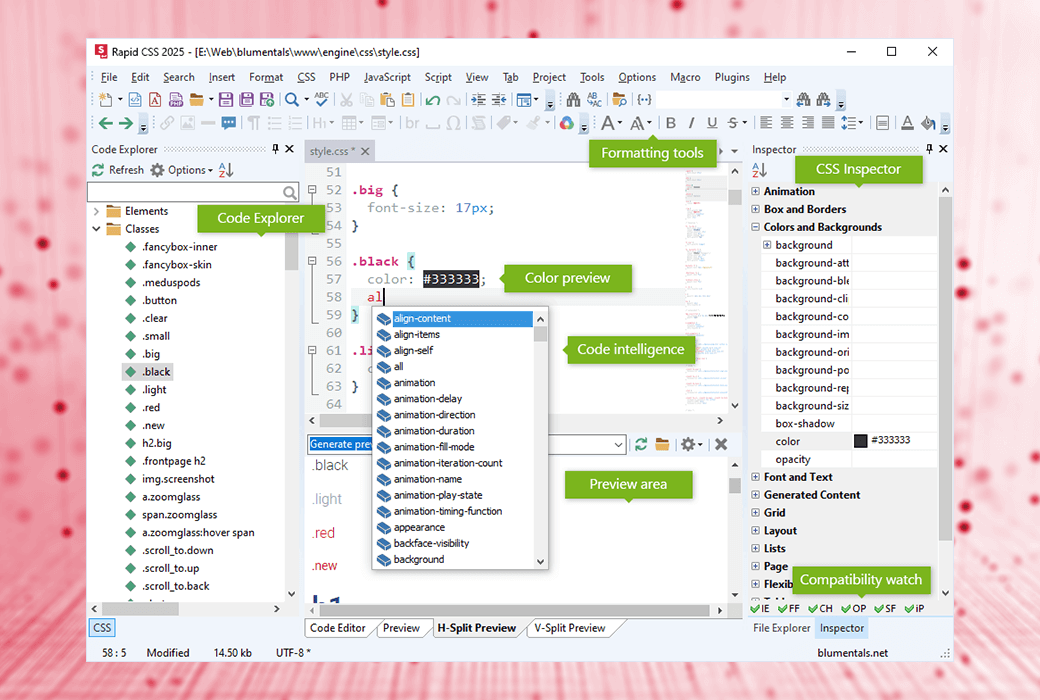
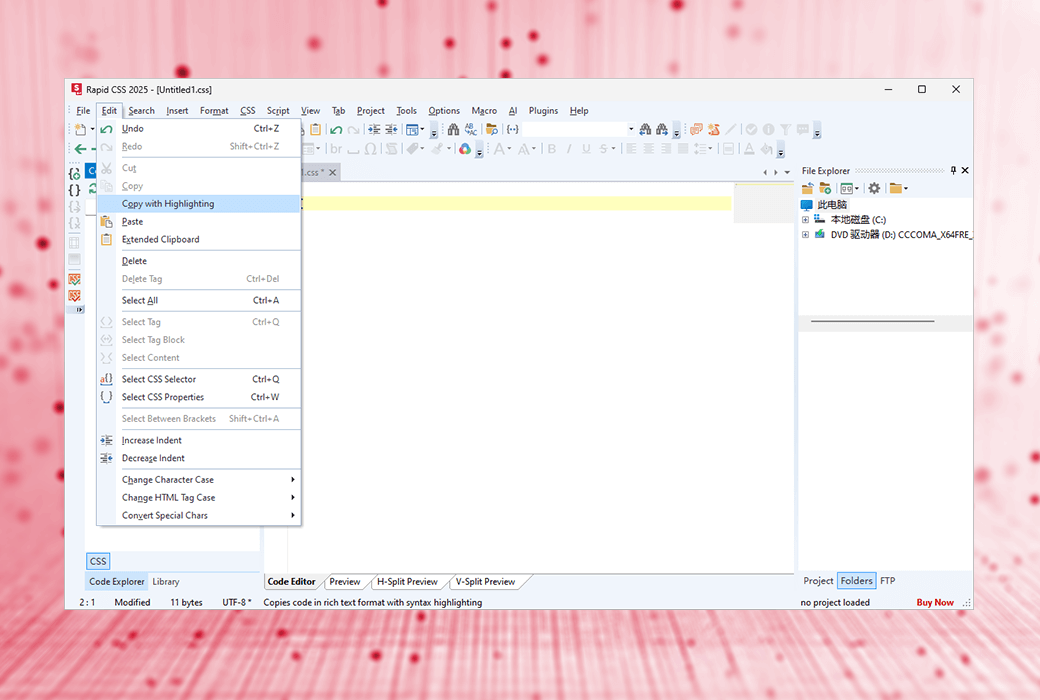
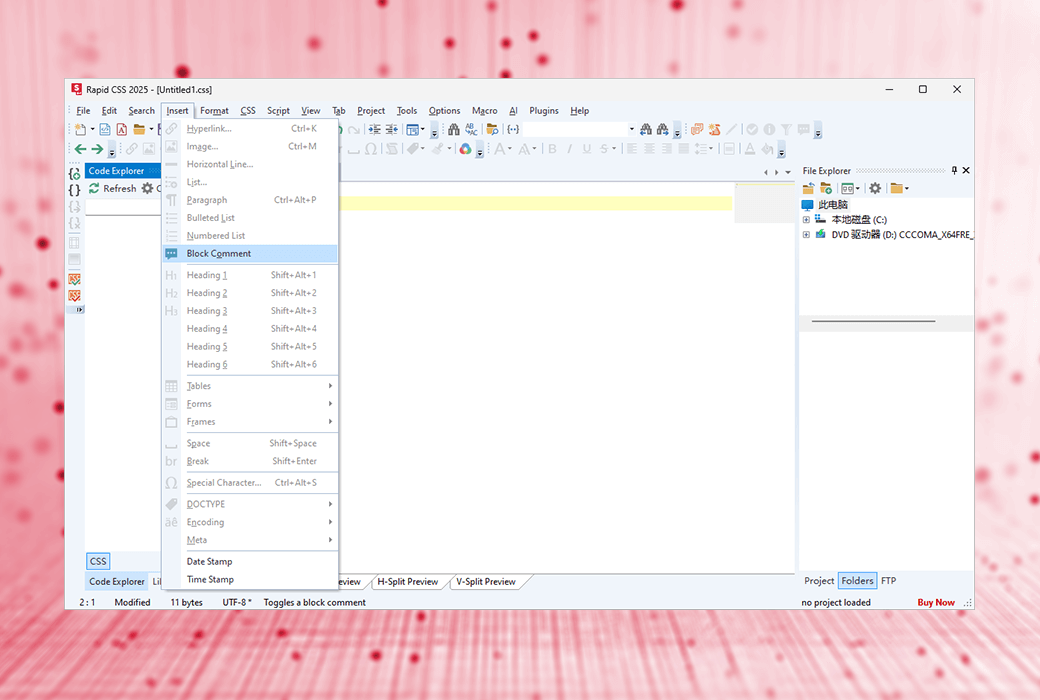
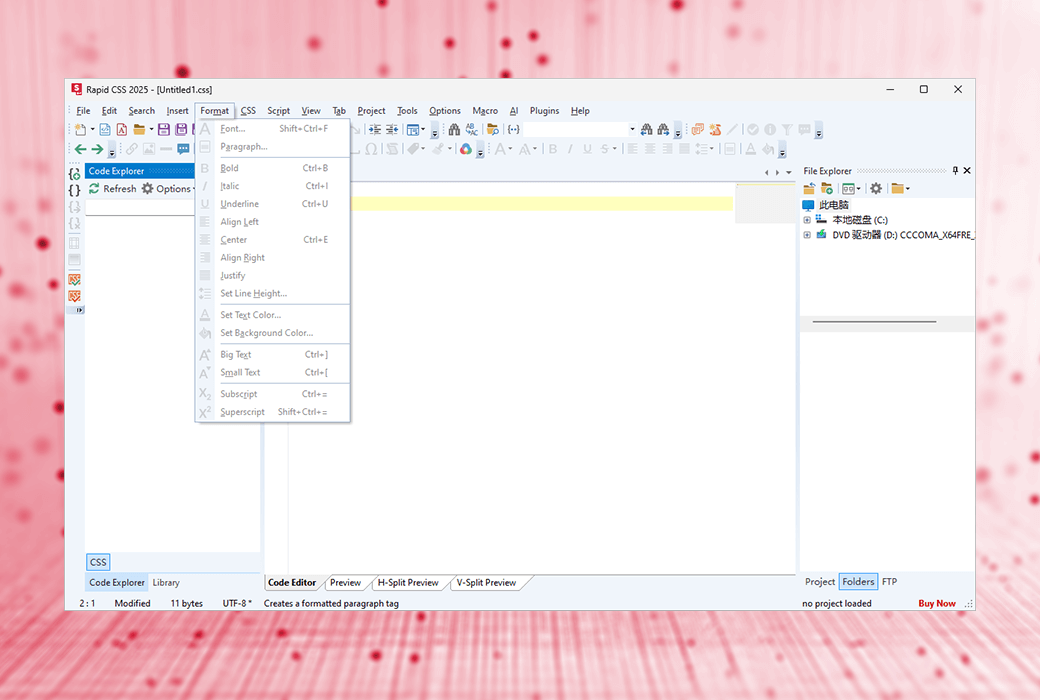
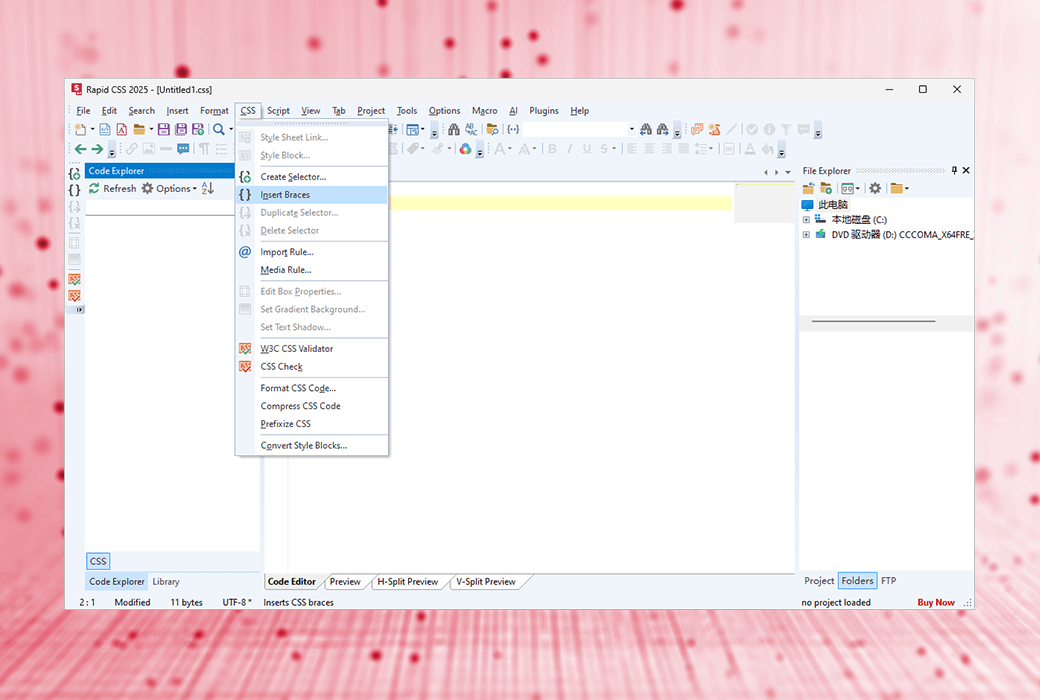
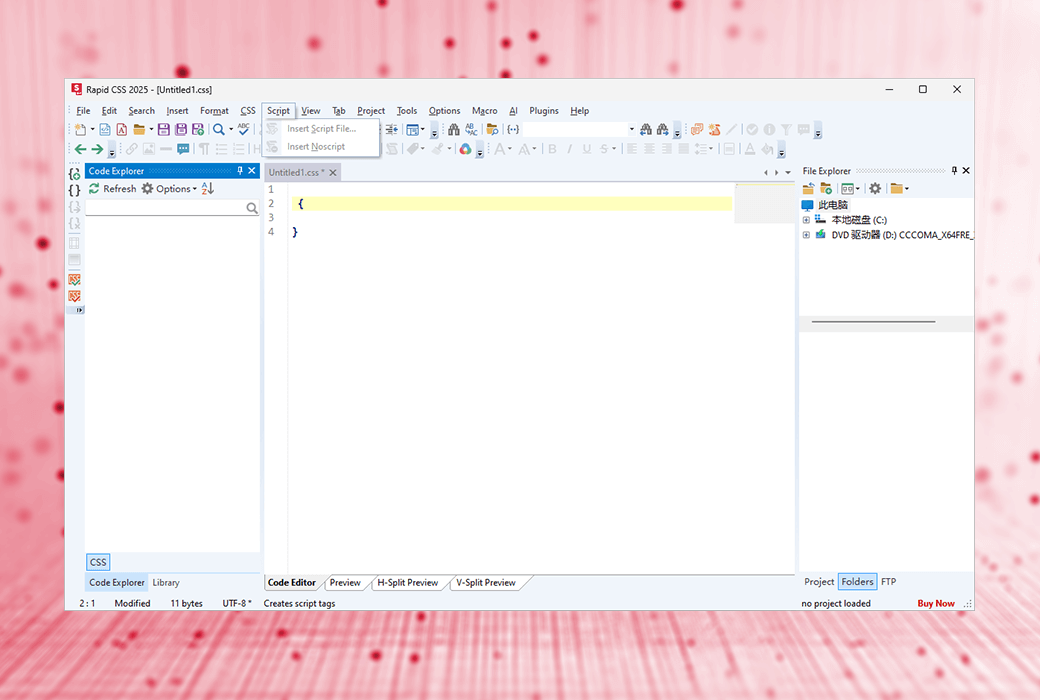
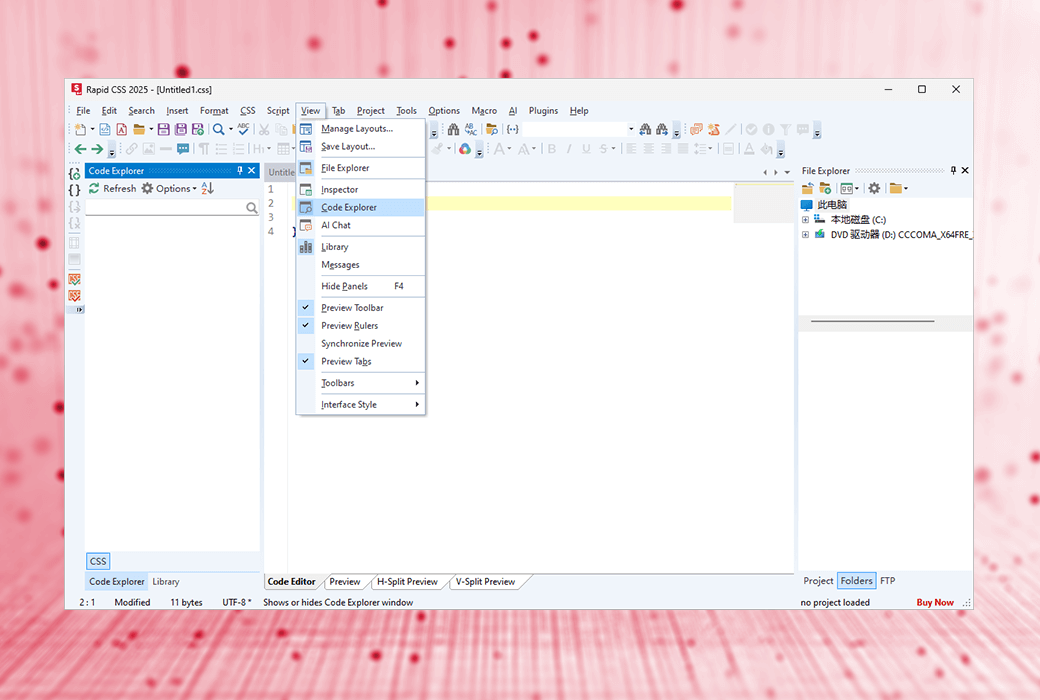
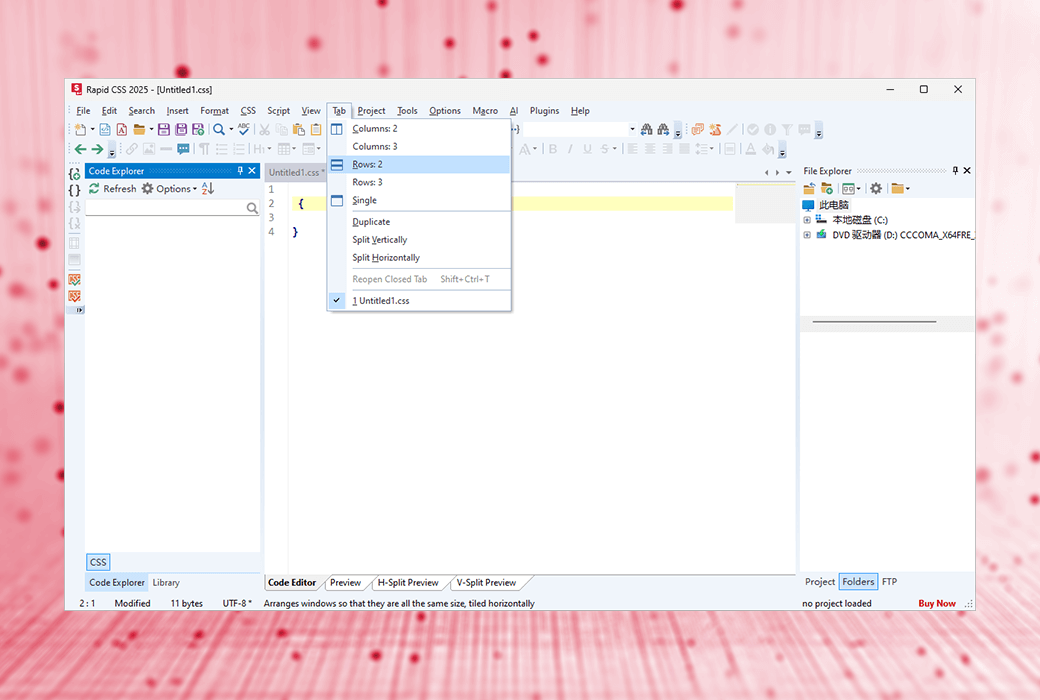
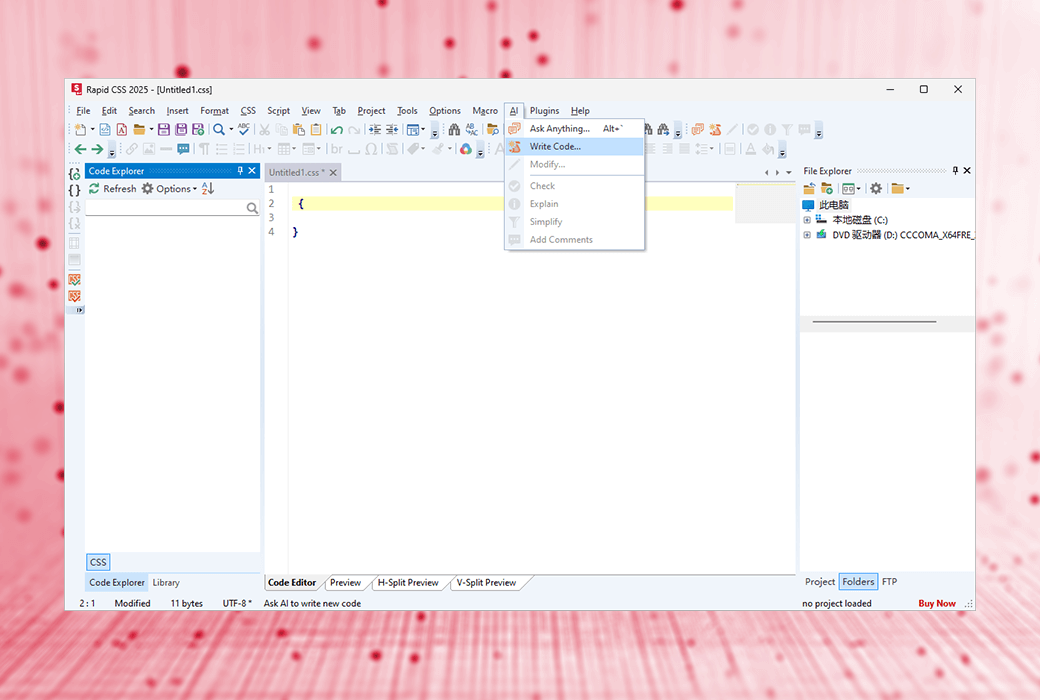
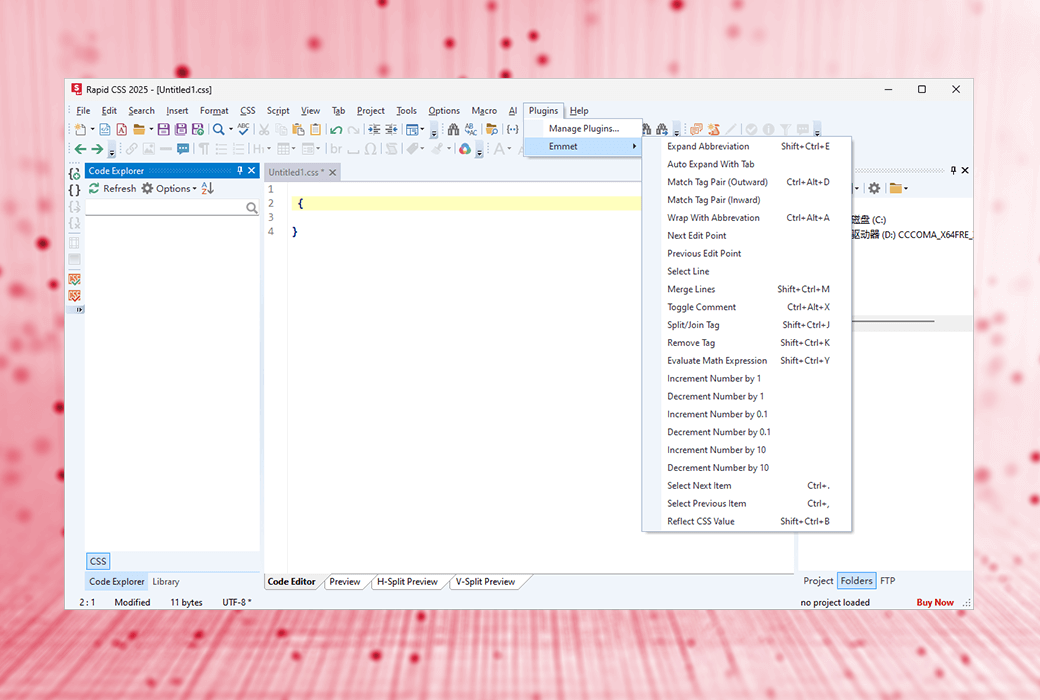
Rapid CSS Editor is an HTML and CSS code editor designed to improve your work efficiency. With Rapid CSS, you can create modern websites and user interfaces based on HTML and CSS faster and easier. Thanks to numerous intelligent features such as auto completion, code checker, CSS checker, integration with AI assistant, and built-in real-time multi browser preview, coding has become effortless.
The loading speed is much faster than any other CSS editor or IDE with similar functionality
Support HTML, CSS, LESS, SASS, JavaScript, PHP, XML, ASP, Perl, etc
A large number of intelligent HTML and CSS code completion, navigation, and suggestion functions
A code snippet library and code templates with assignable shortcuts
Automatically generate, modify, and optimize code to solve coding challenges*
Built in multi browser preview, split screen mode, screen size testing XRay
The encoding function has been synchronized with modern standards
Media inquiry, viewport assistant, screen size preview
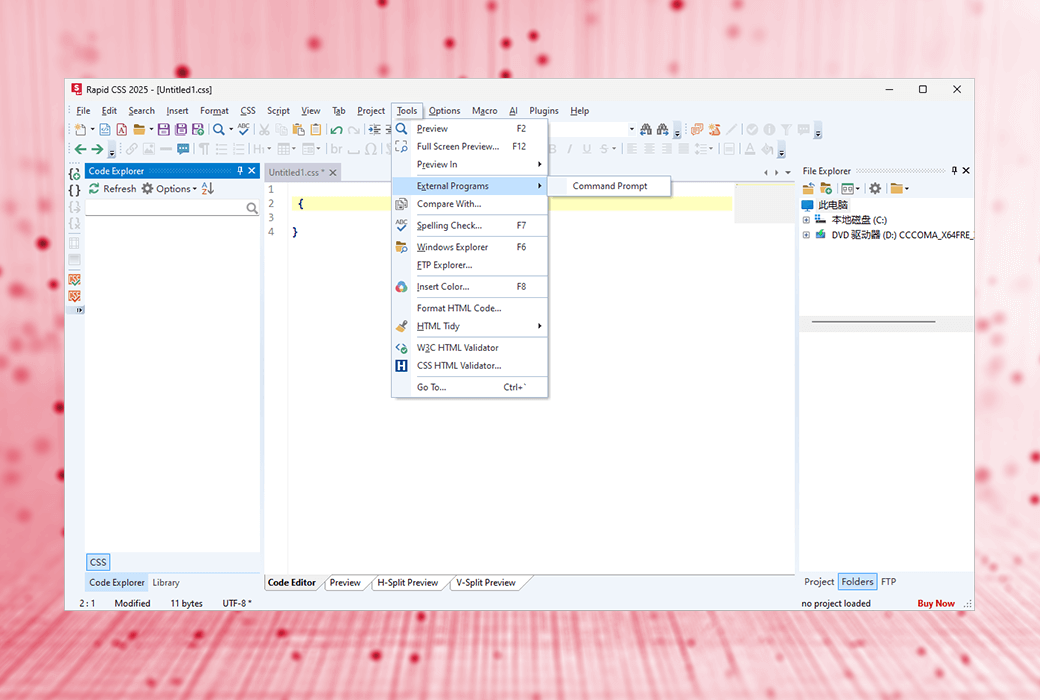
Spell checker, CSS checker, W3 HTML and CSS validator
Compatibility monitoring, prefix, shadow assistant, box assistant, web font assistant, etc
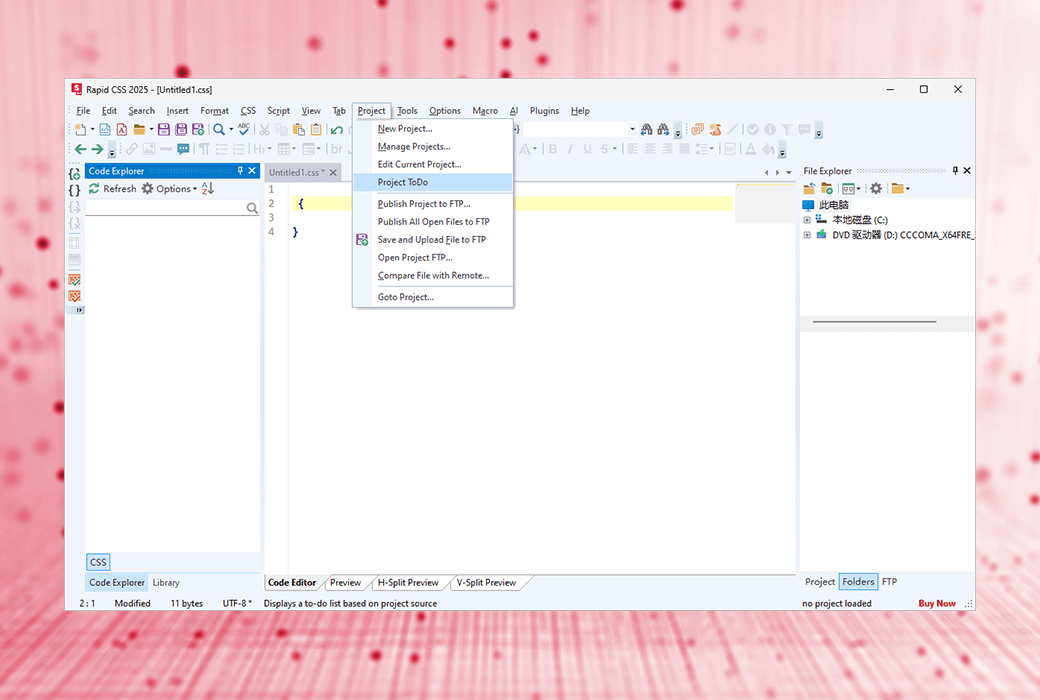
Edit directly on your web server, or click to publish local development copy updates
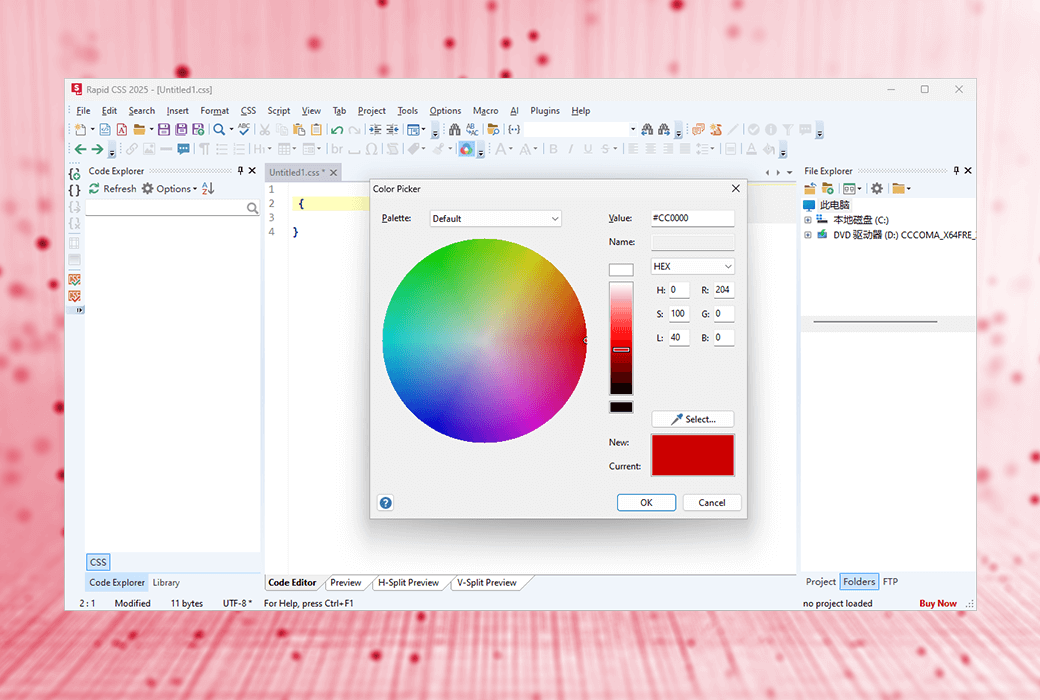
Advanced color picker with project color management functionality
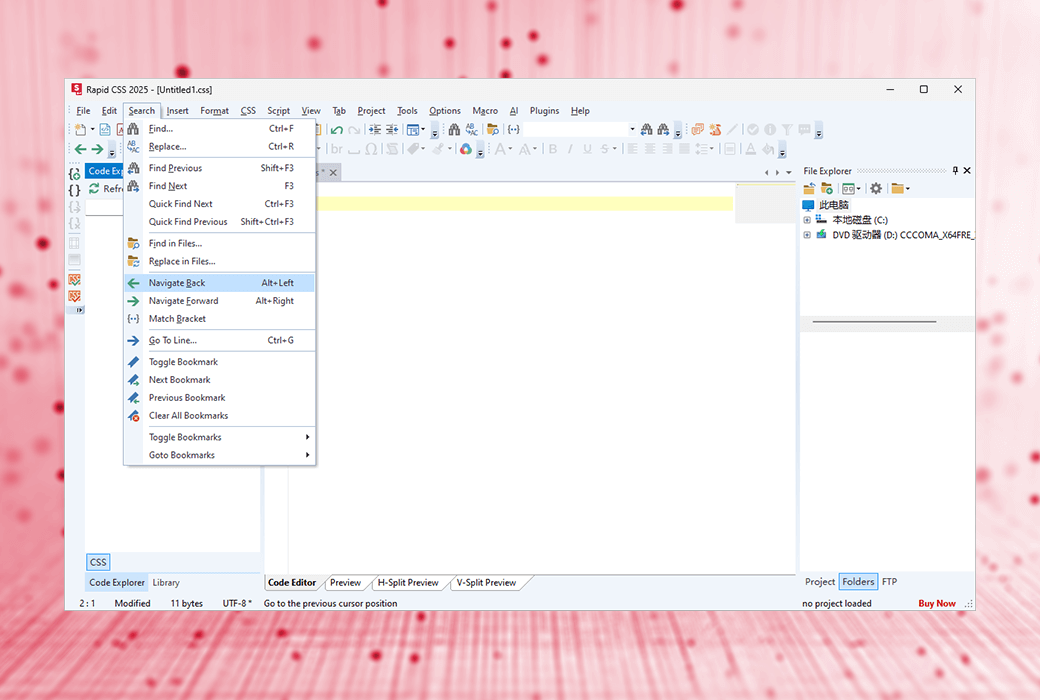
Go to any content, quick search, detailed search, file search, regular expressions, detailed results, etc
Why choose Rapid CSS?
Rapid CSS combines the speed of a simple text editor with the powerful features of a full-size development kit, allowing you to work faster and smarter.
Keep up with the latest HTML5 and CSS3 specifications and development trends. Easily create smooth CSS layouts and mobile websites.
Just check the feature list and screenshot to see what features you will get, and then try them out. You will definitely be amazed!
Rapid CSS Editor provides you with the best features and price comparison!
What are the advantages of Rapid CSS?
Unlike other HTML and CSS editors, Rapid CSS can be loaded immediately.
The Quick CSS Code Editor feature has been carefully designed with speed and productivity in mind.
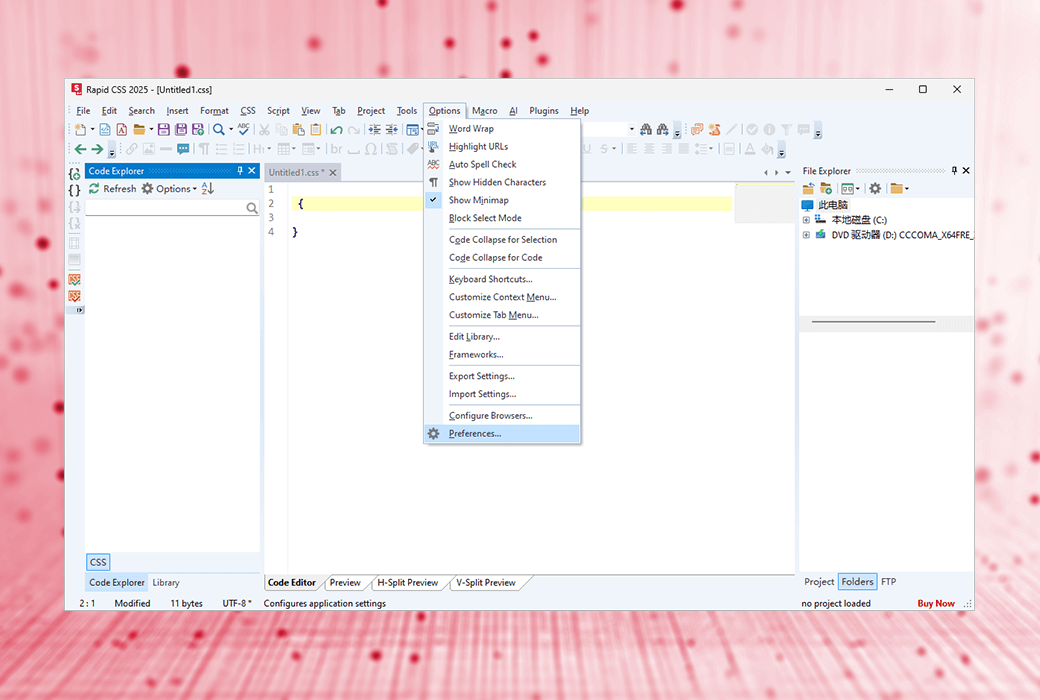
The Rapid CSS editor is fast, concise, and lightweight. It is powerful, but not cluttered with useless buttons or panels.
Just a few clicks to upload/update your online website files.
Grammar checkers, validators, debuggers, beautifiers, built-in CSS prefixes, etc.
Official Website:https://www.rapidcsseditor.com/
Download Center:https://rapidcss.apsgo.cn
Delivery Time: processed manually online
Operating Platform: Windows
Interface Language: supports English interface display, with multiple languages available.
Update Instructions: After purchase, free upgrades and updates are supported for 6 months.
Trial Before Purchase: Free trial available before purchase.
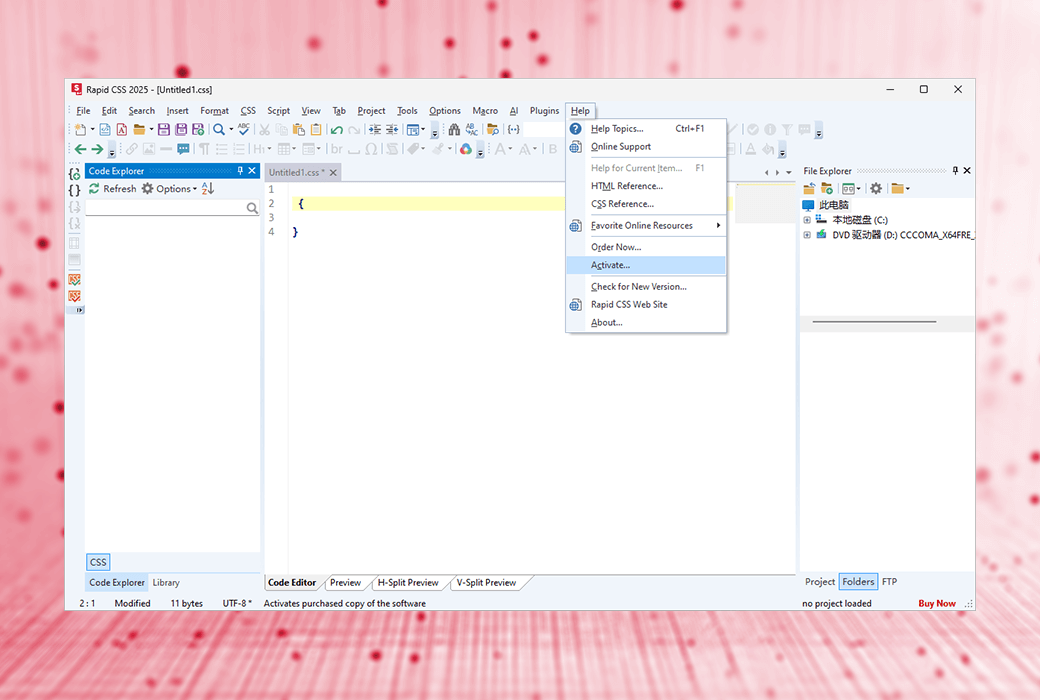
How to Receive the Product: After purchase, activation information will be sent to the email provided during the order process. Additionally, the corresponding product activation code can be viewed in the personal center, under "My Orders".
Number of Devices: The commercial version allows you to install the application on your work computer, home computer, and one laptop. The personal version allows you to install the application on your home computer and one laptop.
Changing Computers: Uninstall on the old computer and activate on the new computer.
Activation Guide: To be added.
Special Instructions: To be added.
References:https://www.htmlpad.net/support.php

Any question

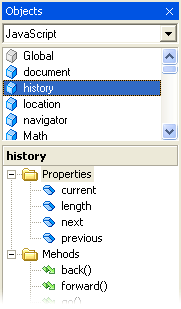
The Language Browser provides assistance for the following scripting languages: JavaScript, ASP, and PHP, as well as markup languages such as HTML and WML.
To enable the Language Browser, click on "Language Browser" in the View menu. Then select the language from the dropdown menu in the box at the top of the Language Browser panel.
Scripting Languages
Based on the selected language, the Language Browser lists all object classes, their properties, methods, and events. You can drag them directly into your code or double-click them.
Markup Languages
Based on the selected language, the Language Browser lists all tags and their attributes. You can insert them directly into your code by dragging or double-clicking them.